case study
case study
GoodNeighbors
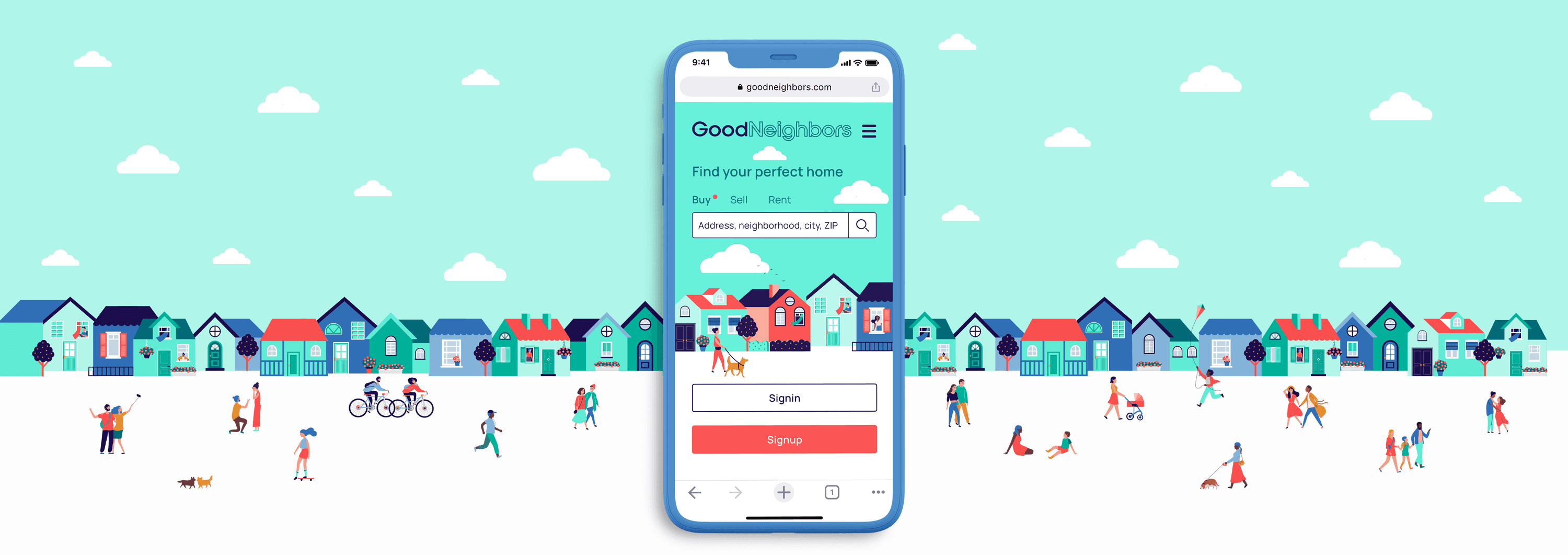
Finding a home isn’t just about browsing listings or comparing prices. It’s about beginning a new chapter in your life. GoodNeighbors simplifies the buying, selling, and renting experience, making it as enjoyable as a stroll through your neighborhood.
Simplifies the buying, selling, and renting experience, making it as enjoyable as a stroll through your neighborhood.
Timeline
I Mar 2021 - May 2021
Role
I Lead UX designer
Timeline
I Mar 2021 - May 2021
Role
I Lead UX designer
Problem Statement
Problem Statement
GoodNeighbors users need an easy way to buy, sell, or rent homes, efficiently browse properties filtered by their needs and goals, and discover and contact real estate agents for professional support.
We will know the app is effective when we see a 10% increase in users buying, selling or renting their homes within 6 months of daily use of the app.
GoodNeighbors helps users buy, sell, or rent homes through personalized listings and agent access, driving a ↑10% increase in completed transactions within 6 months.
Competitive Analysis
Competitive Analysis
I analyzed leading real estate apps to identify strengths, weaknesses, opportunities, and threats, focusing on UI improvements to create a differentiated solution.
I analyzed leading real estate apps to identify strengths, weaknesses, opportunities, and threats to create an enhanced experience.

Zillow

Trulia

Redfin

Realtor
Strength
Trulia uses intuitive navigation patterns and icons for quick access to key property details.
Realtor clearly separates buying, renting, and selling flows for easier navigation.
Weaknesses
Zillow’s outdated visuals and cluttered property detail layout reduce usability.
Redfin’s heavy red palette creates a cold, overly alert-driven experience.
Opportunities
Improve Trulia’s visual hierarchy and content clarity on the landing page.
Refine Redfin’s color palette and visual tone to create a warmer, more engaging experience.
Threats
Redfin offers a cleaner, more organized interface, while Trulia delivers more engaging interactions.
Realtor provides strong IA, and Redfin delivers a streamlined dashboard experience.
Design Personas
Design Personas
I created a design persona to better understand the user's challenges, needs, and goals, ensuring the product meets her needs and achieves her objectives.
I created a design persona to understand user needs, challenges, and goals and guide product decisions.

“a tech savvy multitasker”
Kindra
35 / Married with 2 kids / Software Developer / NYC
Behaviors
Mobile-first, on-the-go user
Uses iPhone for shopping, delivery, and scheduling
Challenges
Needs quick, efficient property browsing
Limited time for detailed listing exploration
Needs / Goals
Prioritizes safe neighborhoods and strong schools
Seeking a long-term suburban home
Needs streamlined filtering and saved property tools
Task Analysis & User Flows
Task Analysis & User Flows
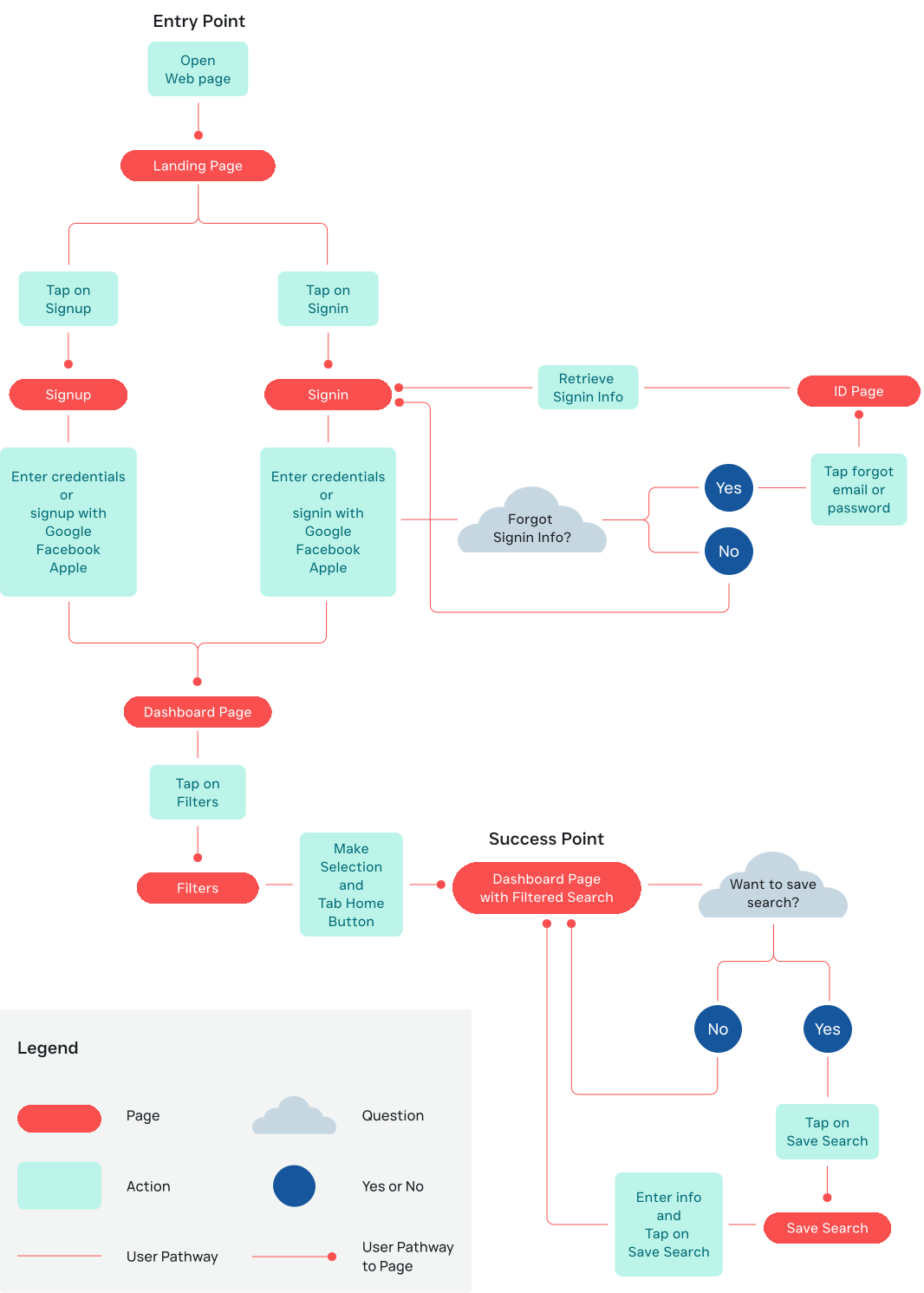
I created the task analysis and user flow to map out the detailed steps and pages users interact with to achieve their goals, enabling me to uncover and define user pain points and problems.
I created a task analysis and user flow to map user steps, identify pain points, and define key problems.
kandra’s Objective
As a user, I want to be able to search and filter properties,
so that I can find good matches based on my needs.
As a user, I want to be able to search and filter properties, so that I can find good matches based on my needs.
Information Architecture
Information Architecture
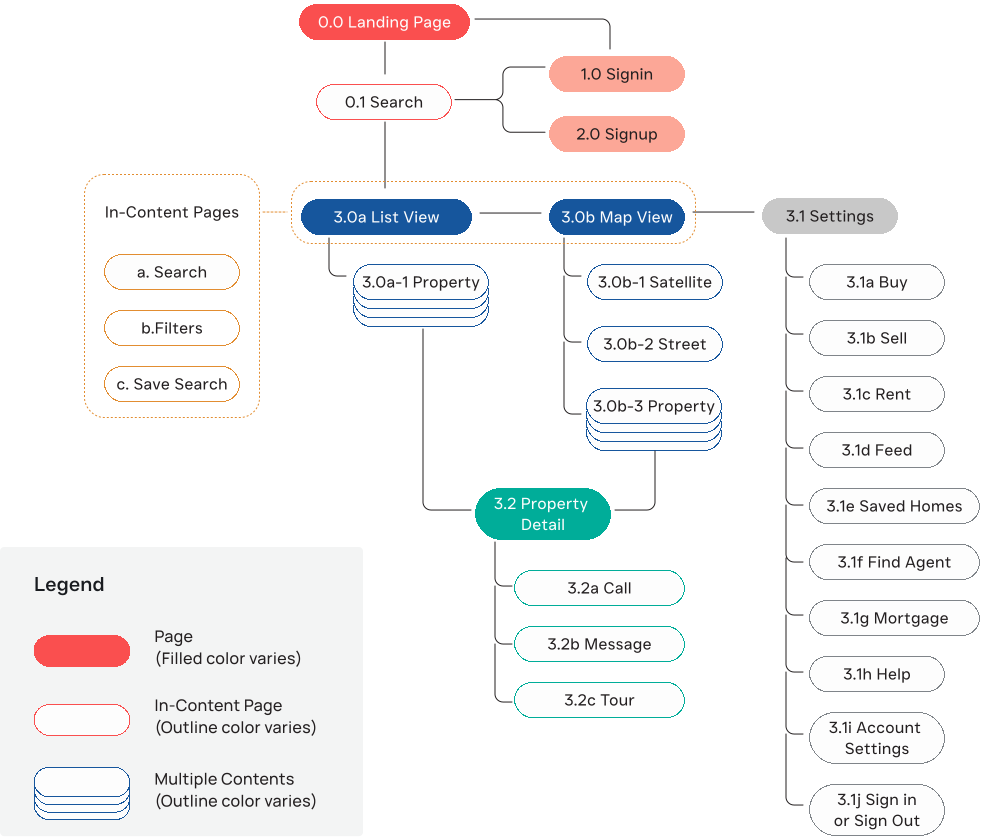
The information architecture showcases the app's structure, designed to minimize clicks and keep pages streamlined for a simple and efficient user experience.
The information architecture defines a streamlined structure that minimizes clicks and simplifies the user experience.
Mid Fidelity Prototype
Mid Fidelity Prototype
Using the user task analysis, flow, and information architecture, I created a mid-fidelity prototype. This prototype emphasizes the user flow, clickable areas, and the app's interaction and navigation possibilities.
Using task analysis and user flows, I created a mid-fidelity prototype focused on interactions.
Moodboard
Moodboard
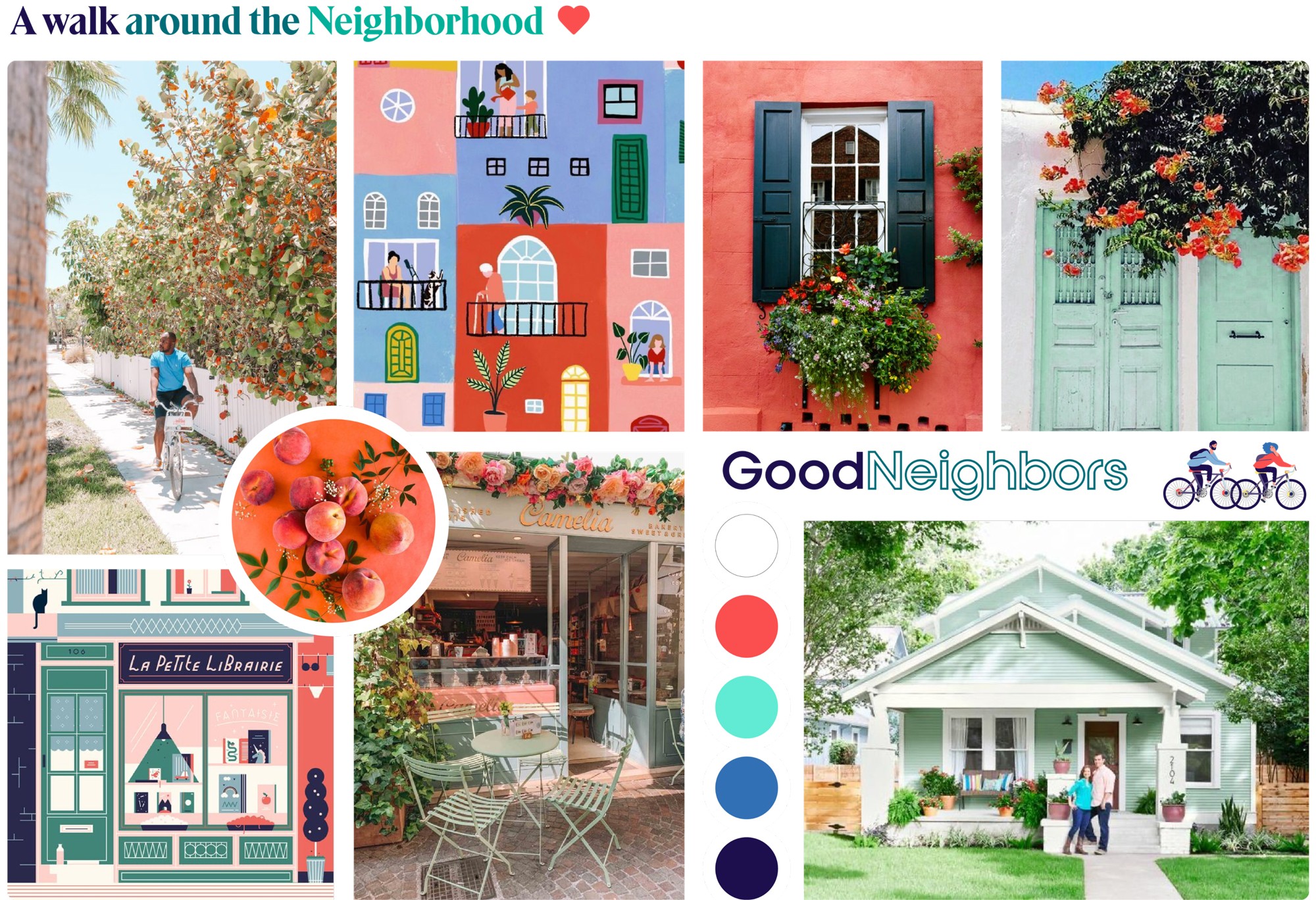
For the UI design, I aim to create a cheerful and delightful real estate app that eases the stress of the process. Using illustrations and colors, I want to evoke a relaxed, neighborhood-like vibe, ensuring users feel engaged and uplifted.
For the UI, I focused on creating a cheerful, low-stress experience using illustrations and color to evoke a relaxed, neighborhood-like feel.
Styleguide
This visual style guide documents all design components and UI elements. I focused on creating an engaging aesthetic using vibrant colors, clean shapes, and readable typography. Subtle animations enhance interactivity without distracting users.
Typography

Manrope


Semibold 24
0.15px Letter Spacing

Semibold 20
0px

Regular 18
0.1px

Medium 18
0.3px

Semibold 18
0.3px

Regular 16
0.3px

Semibold 16
0.3px

Semibold 14
0.3px

Regular 12
0.1px
color
Primary
Primary
Primary
Primary
Fiesta
FAF4F
Navy
1DF4D
Mint
8BE8D4
Ground
Snow White
FDFDFD
Tofu
E8E4DA
Accents
text, buttons, outline strokes
Dove
C6C3C3
Aqua
00B099
Forrest
006C78
Sapphire
0057A2
Daybreak
8C82A1
Liberty
594A7D
animation
Cream
F7E9DD
Sand
D9C7B8
Cantaloupe
FCA797
Saffron
E28D31
Umber
A15446
Hot Coco
6B3C3B
Omphalodes
C7D7E1
Skyblue
83B3D9
iconography

Menu

Search


Password

User

Uncheck

Checkbox

Back

Forward

Close

Check

List

Map

Satellite

Unlike

Like

Buy

Sell

Rent

Feed

Agent

Mortgage

Help

Settings

Logout

Rating

Property

Saved

Parking

Calendar

HOA

SQ Price

AC

Share

Property
Menu
Search
Password
User
Uncheck
Checkbox
Back
Forward
Close
Check
List
Map
Satellite
Unlike
Like
Buy
Sell
Rent
Feed
Agent
Mortgage
Help
Settings
Logout
Rating
Property
Saved
Parking
Calendar
HOA
SQ Price
AC
Share
Property
Styleguide
This visual style guide documents core UI components and defines a bright, engaging aesthetic with vibrant colors, clean shapes, readable typography, and subtle animations.
Typography
Manrope
Semibold 24
0.15px Letter Spacing
Semibold 20
0px
Regular 18
0.1px
Medium 18
0.3px
Semibold 18
0.3px
Regular 16
0.3px
Semibold 16
0.3px
Semibold 14
0.3px
Regular 12
0.1px
color
Primary
Primary
Fiesta
FAF4F
Navy
1DF4D
Mint
8BE8D4
Ground
Snow White
FDFDFD
Tofu
E8E4DA
Accents
text, buttons, outline strokes
Dove
C6C3C3
Aqua
00B099
Forrest
006C78
Sapphire
0057A2
Daybreak
8C82A1
Liberty
594A7D
animation
Cream
F7E9DD
Sand
D9C7B8
Cantaloupe
FCA797
Saffron
E28D31
Umber
A15446
Hot Coco
6B3C3B
Omphalodes
C7D7E1
Skyblue
83B3D9
iconography
Menu
Search
Password
User
Uncheck
Checkbox
Back
Forward
Close
Check
List
Map
Satellite
Unlike
Like
Buy
Sell
Rent
Feed
Agent
Mortgage
Help
Settings
Logout
Rating
Property
Saved
Parking
Calendar
HOA
SQ Price
AC
Share
Property
UI COMPONENTS
UI COMPONENTS



primary button



secondary button

Selector

search field
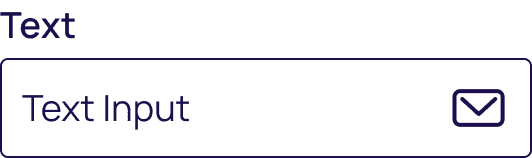
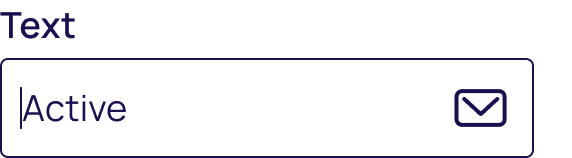
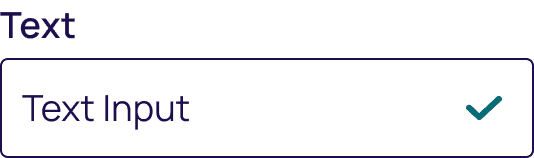
text field
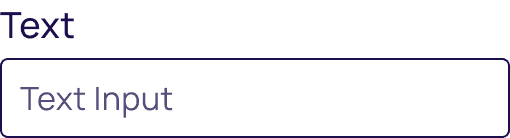
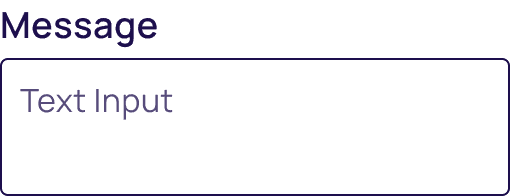
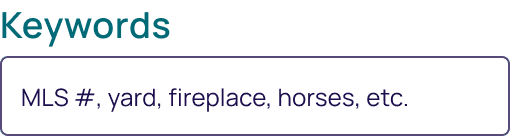

date picker


label


switch


checkbox
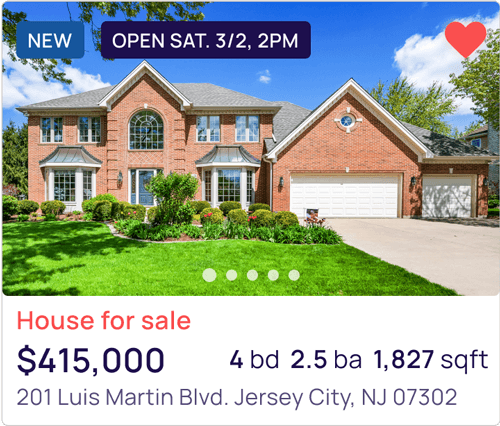
card
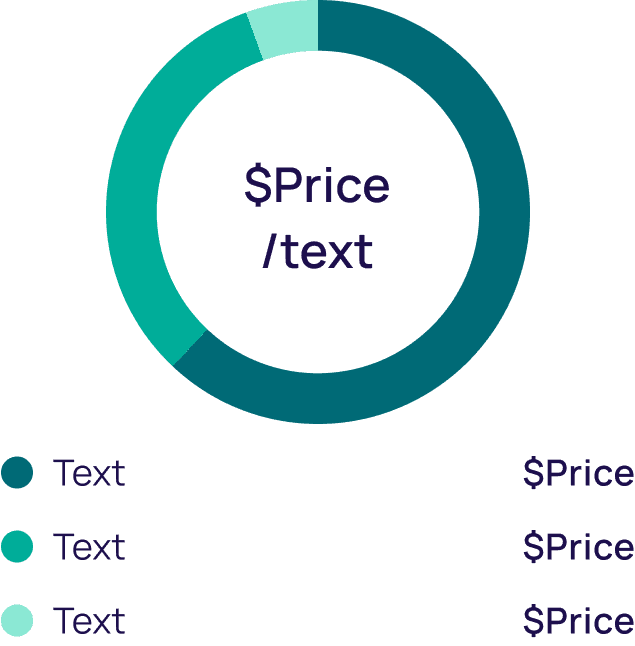
chart
High Fidelity Prototype
High Fidelity Prototype
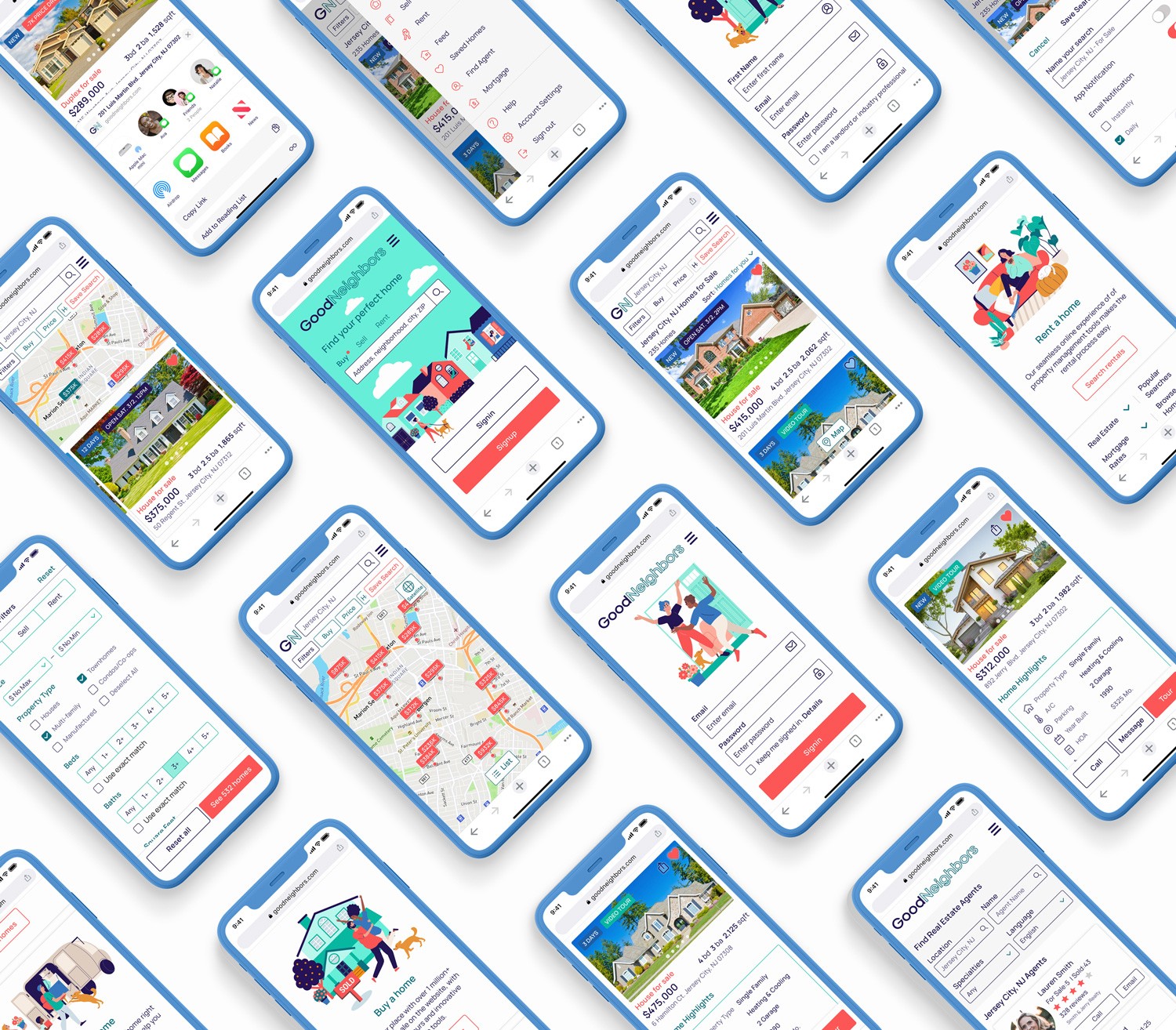
Using research insights and data, I designed high-fidelity prototypes showcasing the app's intuitive flows and user-friendly interface. The goal was to ensure seamless navigation while maintaining a delightful, approachable feel.
Using research insights, I designed high-fidelity prototypes that demonstrate intuitive flows, seamless navigation, and an approachable interface.
Intro Screen
Introduced an animated intro to create an engaging first impression.
Introduced an animated intro to create an engaging first impression.
Simplified access to search, sign in & sign up.
Simplified access to search, sign in & sign up.
onboarding
Streamlined sign in and sign up entry points for faster onboarding.
Introduced subtle motion to enhance engagement and onboarding experience.
onboarding
Streamlined sign in and sign up entry points for faster onboarding.
Introduced subtle motion to enhance engagement and onboarding experience.
onboarding
Streamlined sign in and sign up entry points for faster onboarding.
Introduced subtle motion to enhance engagement and onboarding experience.
list view
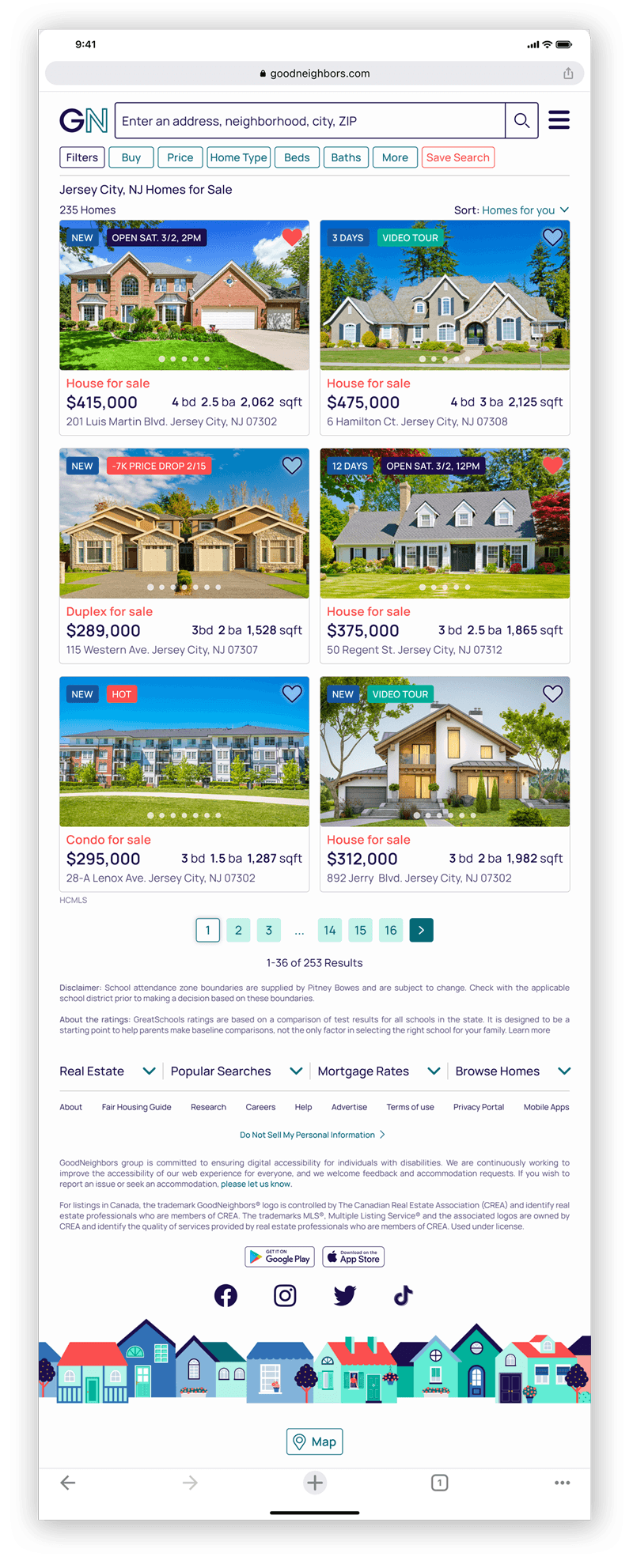
Presented search results in a card-based layout for improved scannability.
Presented search results in a card-based layout for improved scannability.
Surfaced key property details to support faster decision-making.
Surfaced key property details to support faster decision-making.
map view
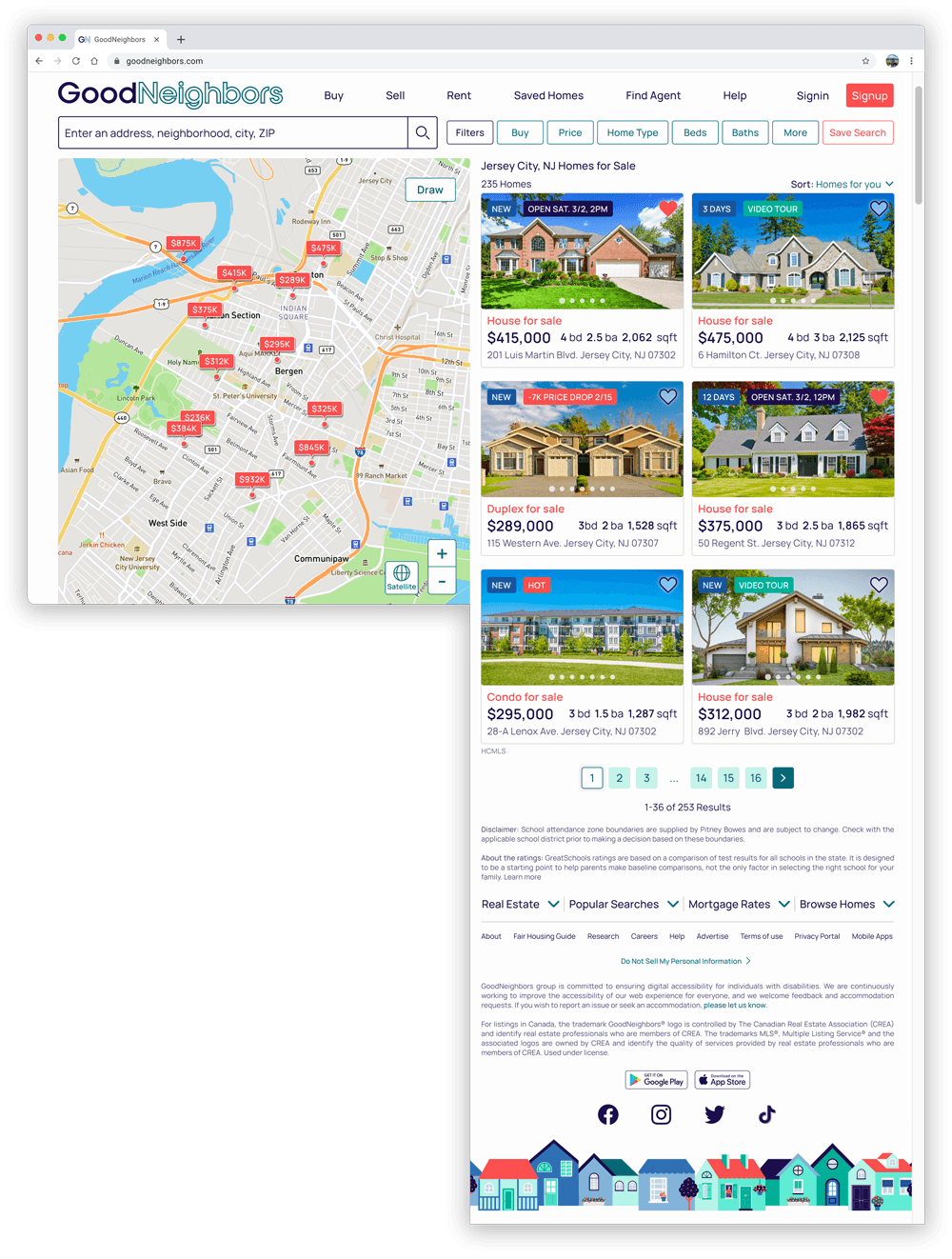
Displayed properties geographically to preserve spatial context.
Displayed properties geographically to preserve spatial context.
Enabled quick property previews through interactive map markers.
Enabled quick property previews through interactive map markers.
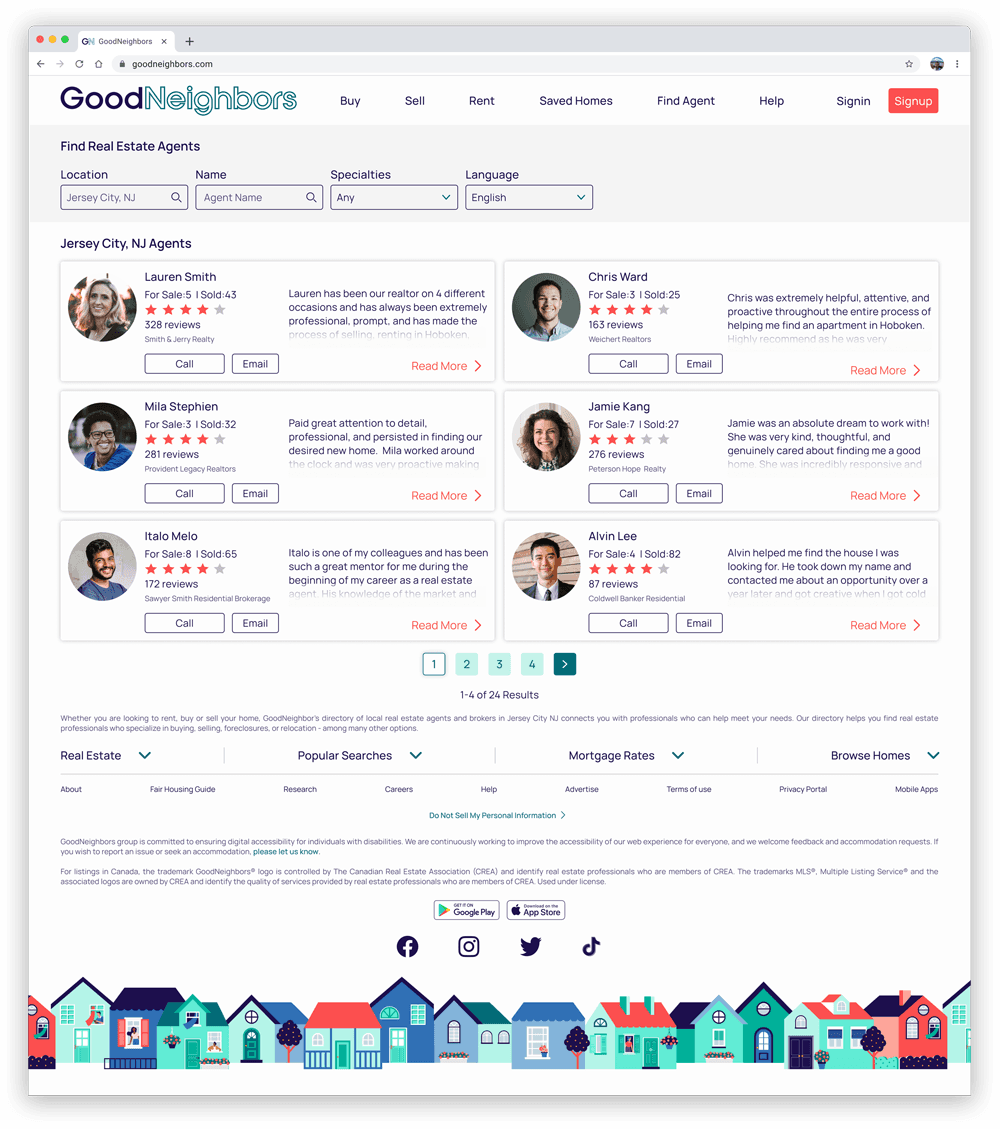
Find agent
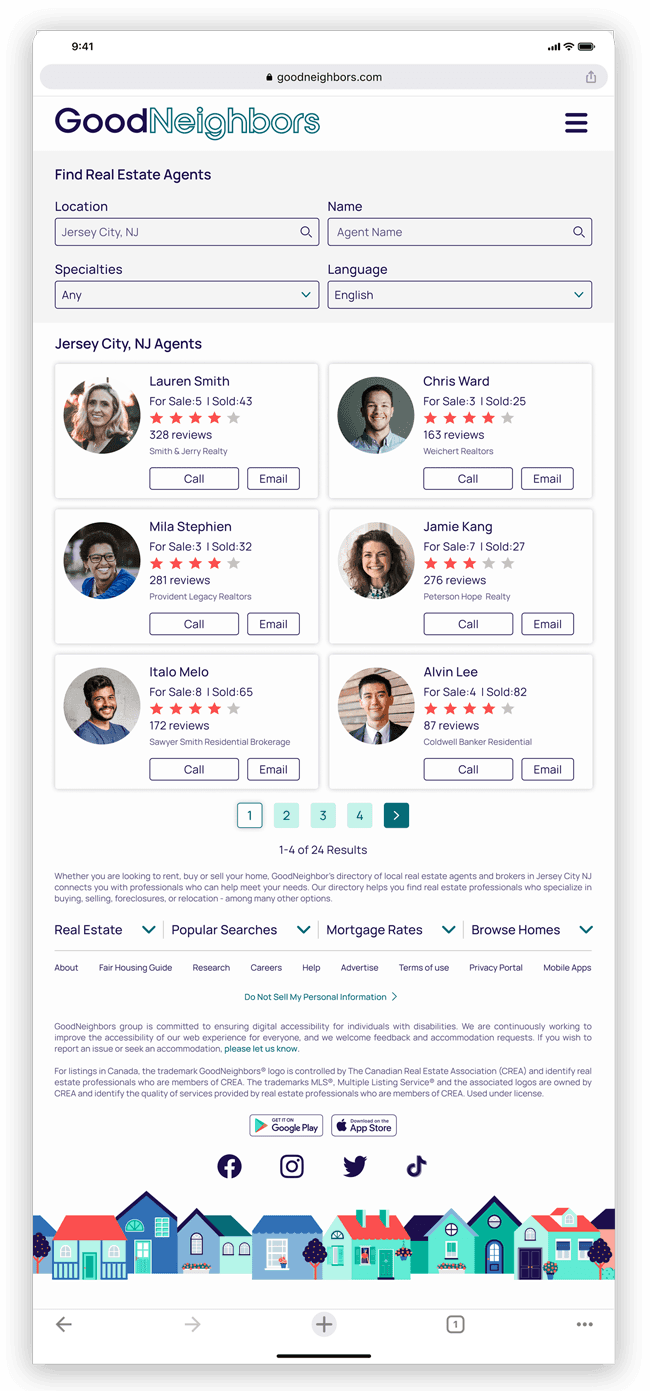
Enabled agent discovery through filters and preference-based search.
Enabled agent discovery through filters and preference-based search.
Improved matching efficiency by surfacing relevant agents based on user needs.
Improved matching efficiency by surfacing relevant agents based on user needs.
Please click here for the clickable prototype
Click here for the clickable prototype
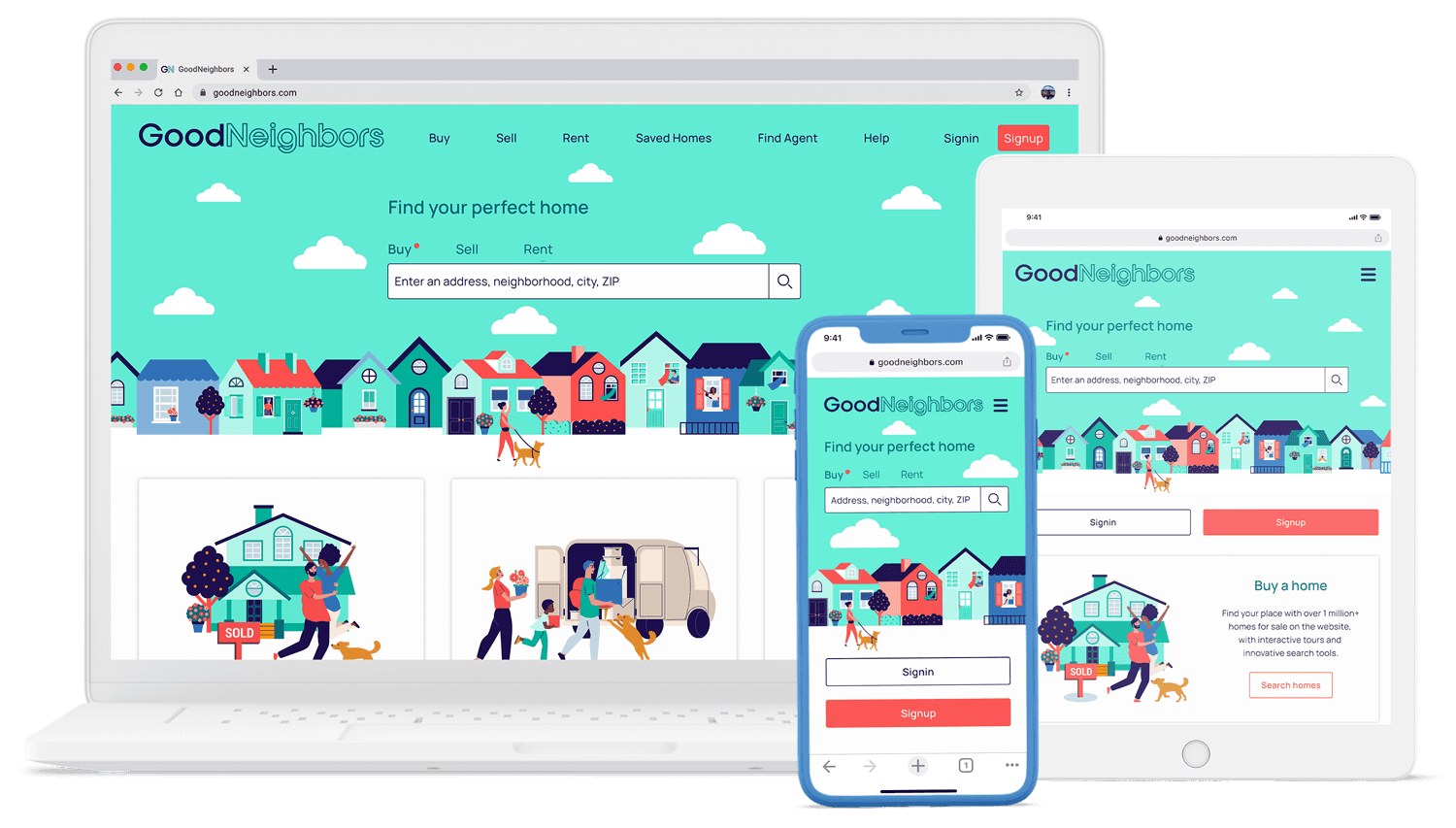
Responsive Breakpoints
Responsive Breakpoints
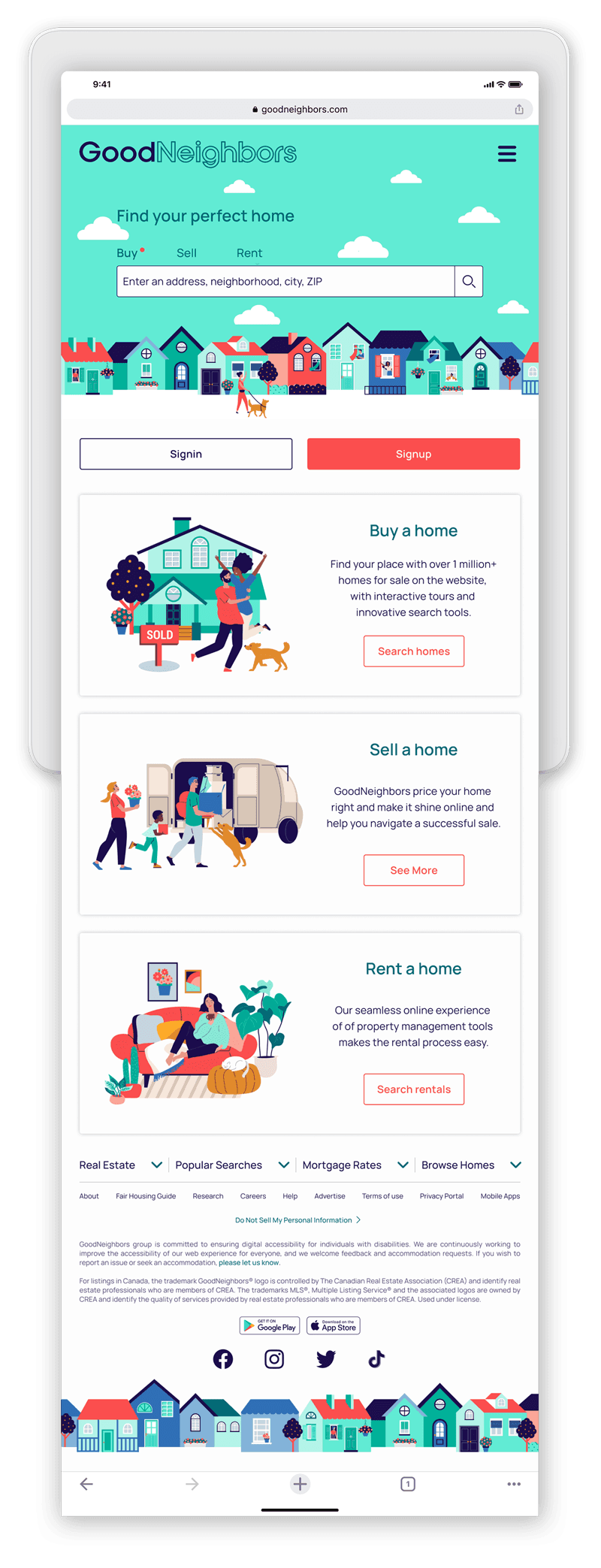
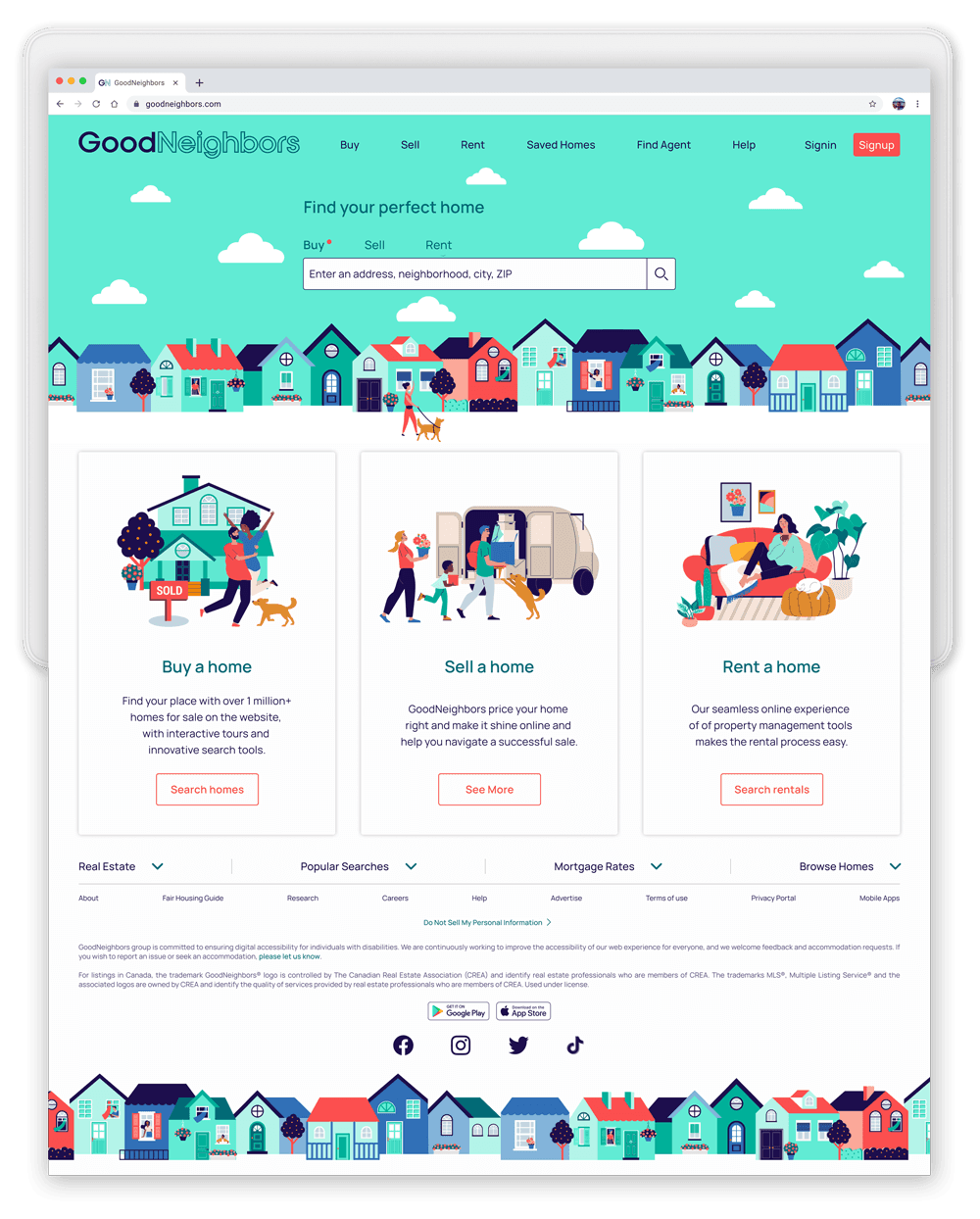
The app is designed to be responsive, with screens optimized for different breakpoints to ensure a consistent layout and visual coherence across all devices.
The app is fully responsive, with layouts optimized across breakpoints to ensure visual consistency on all devices.
tablet
desktop
tablet
desktop
Thank you for watching.
Thank you for watching.
Thank you for watching.