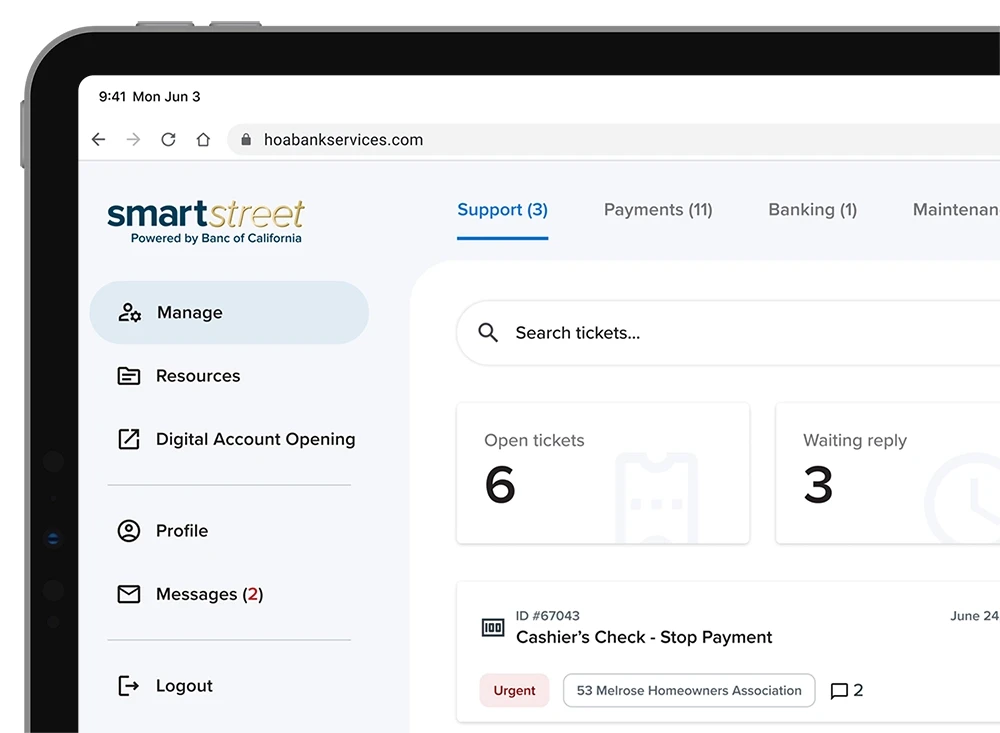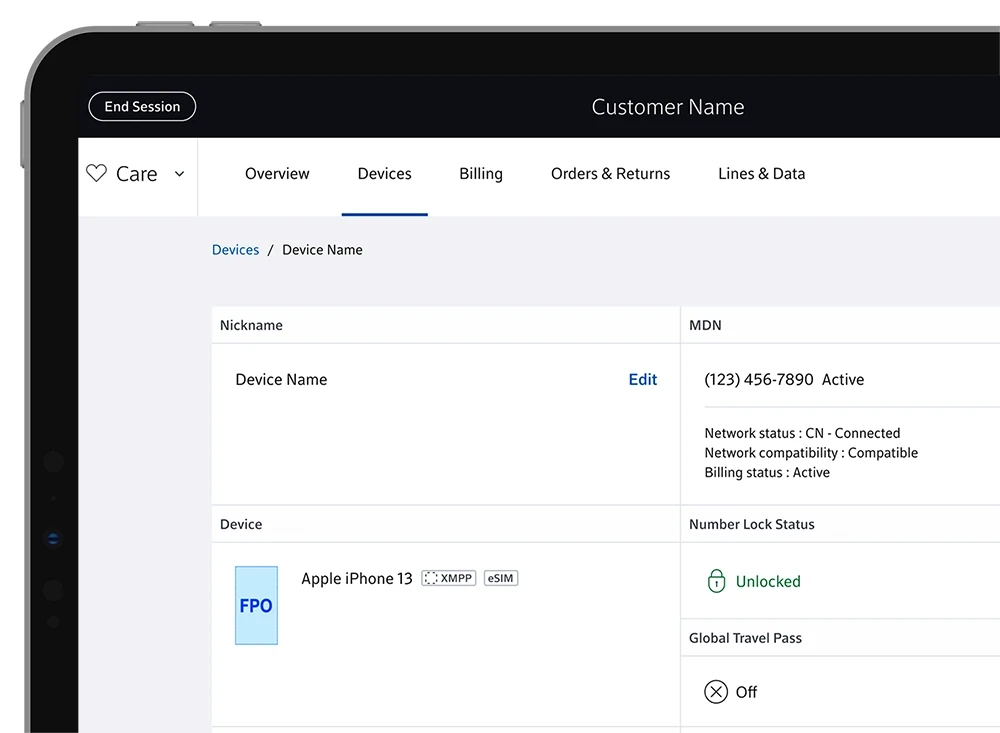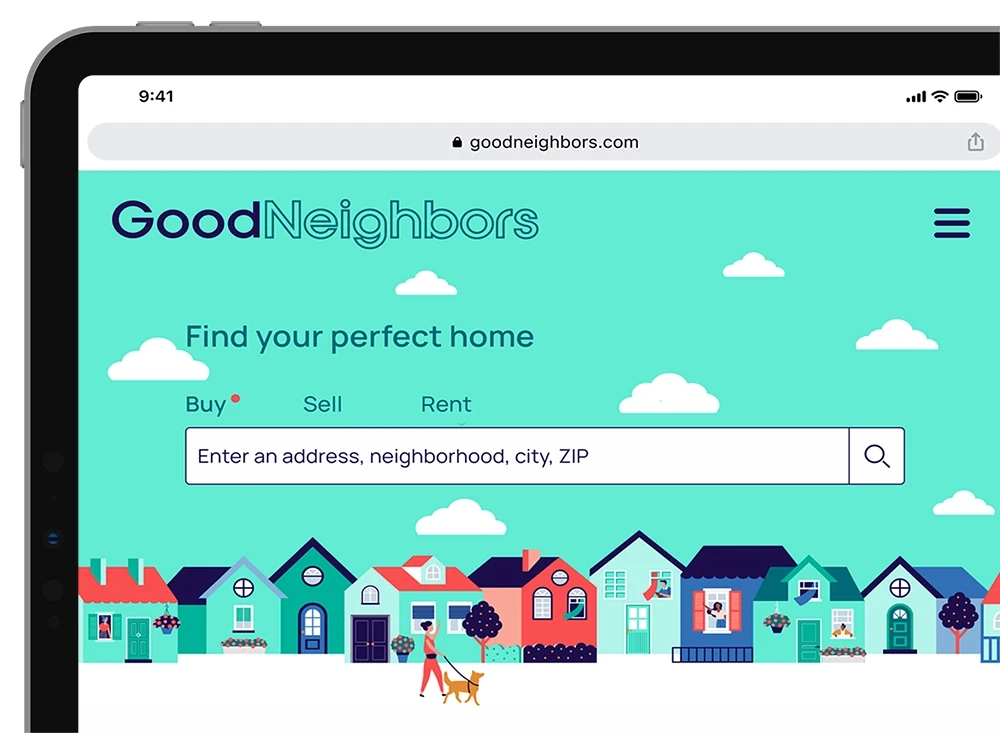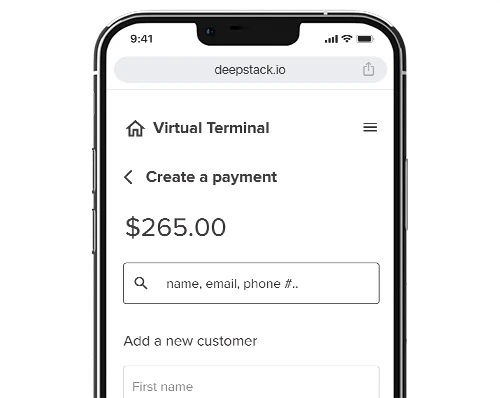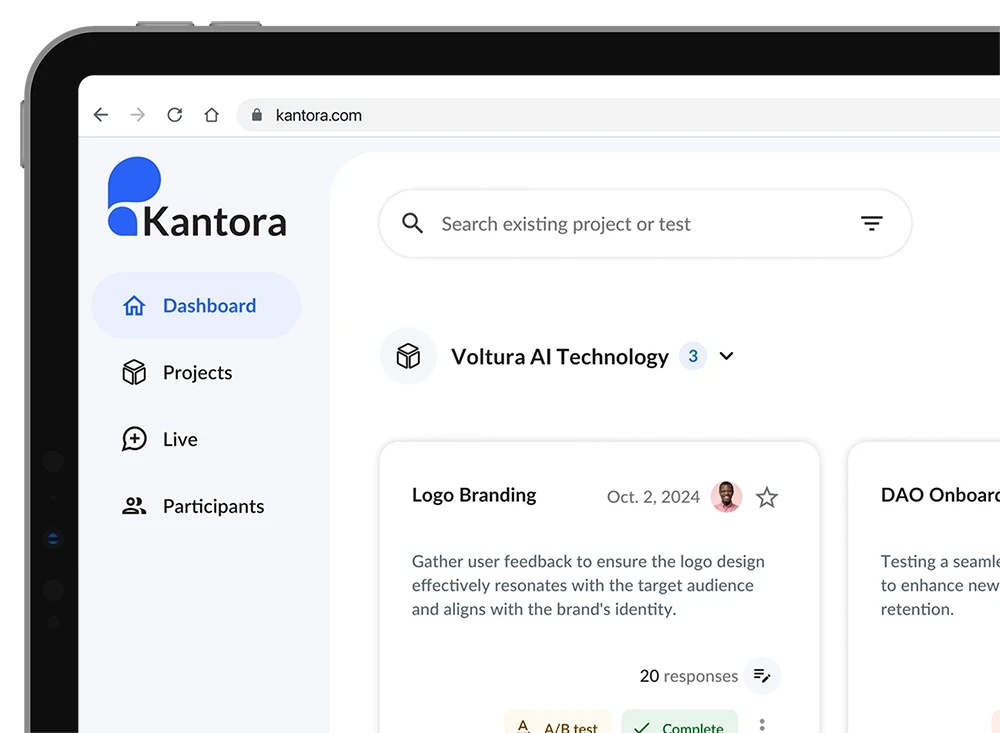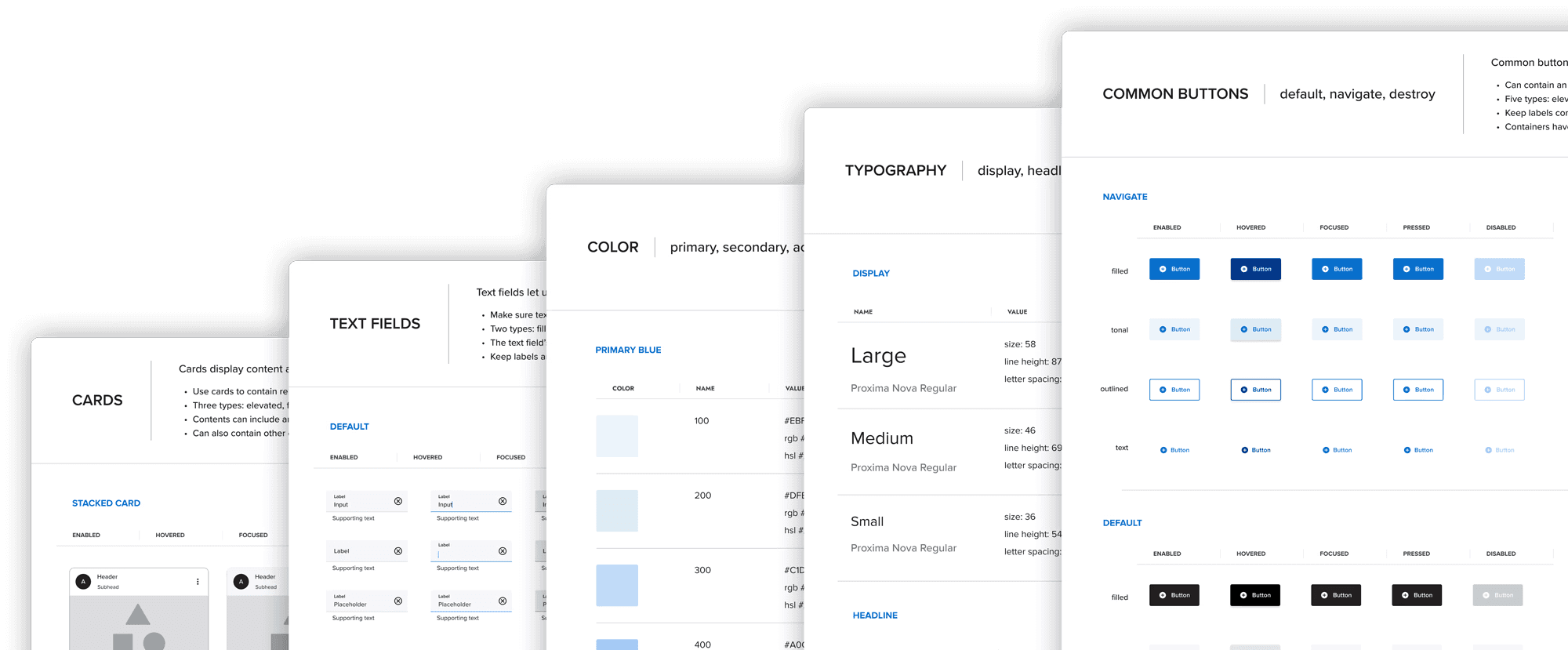
The image featured at the top of the about us page #1

Aurum Design Systems

Aurum Design Systems

Implement a scalable design system that unifies the digital ecosystem and ensures a cohesive user experience.

Implement a scalable design system that unifies the digital ecosystem and ensures a cohesive user experience.

Timeline

Timeline

I  Feb. 2024 - ongoing

I  Feb. 2024 - ongoing

Role

Role

I  Lead UX designer in Digital Banking team

I  Lead UX designer in Digital Banking team

Business Overview

Business Overview

The goal is to create a design system that will serve as a foundation for the entire digital ecosystem for Banc of California for a unified, consistent and seamless user experience.

Build a design system that underpins Banc of California’s digital ecosystem and delivers a seamless user experience.

Pioneer & evangelize

Pioneered a design system from the ground up, ensuring cohesive and intuitive user experiences across digital products.

Pioneered a design system from the ground up, ensuring cohesive and intuitive user experiences across digital products.

integration

Seamlessly integrate established brand guidelines into a design system explicitly tailored for digital products and platforms.

Seamlessly integrate established brand guidelines into a design system explicitly tailored for digital products and platforms.

challenges

In November 2024, the merger between Pacific Western Bank and Banc of California presented the digital banking team with significant challenges. 

In Nov. 2024, the merger of Pacific Western Bank & Banc of California created significant challenges for the digital banking team.

the migration of PWB's design systems into BOC's framework.

the migration of PWB's design systems into BOC's framework.

the integration of BOC's distinct brand guidelines.

the integration of BOC's distinct brand guidelines.

ensure a seamless alignment and consistency between the brands and the digital ecosystems.

ensure a seamless alignment between the brands and the digital ecosystems.

Define and design scalable design systems

Define and design scalable design systems

the basics

Values

Drive client retention and acquisition through strong digital experiences and data-driven systems.

Drive client retention and acquisition through strong digital experiences and data-driven systems.

Tone of Voice

Provide a neutral, non-technical, concierge-level experience tailored to each client’s needs.

Provide a neutral, non-technical, concierge-level experience tailored to each client’s needs.

Principle

Ensure elasticity through objective, data-driven design grounded in research and rigorous testing.

Ensure elasticity through objective, data-driven design grounded in research and rigorous testing.

color

The goal is to integrate both BOC's brand colors and PWB's design system colors for a seamless experience.

The goal is to integrate both BOC's brand colors and PWB's design system colors for a seamless experience.

PWB UX Color

BOC Brand Color

BOC UX Color

BOC ( Banc of California )

PWB ( Pacific Western Bank ) * applies throughout the presentation

BOC brand colors are thoughtfully applied to preserve brand identity while prioritizing usability, using neutral and blue tones to minimize visual noise in data-heavy interfaces.

BOC brand colors are applied with a UX-first approach, preserving brand identity while improving usability.

Primary - neutral & blue

Secondary - success & error

Accents - data visualization

main color

typography

To determine the best typography for improved user experience, focusing on enhanced readability and accessibility, a usability test was conducted comparing PWB's Jost and BOC's Proxima Nova.

To improve readability and accessibility, a usability test was conducted comparing PWB’s Jost and BOC’s Proxima Nova

TEST

Jost

Proxima Nova

  1. Preference test

to determine the user's preference

preference

50%

50%

  1. Likert Scale

to determine the legibility each typography

very legible

55%

50%

legible

35%

45%

neutral

10%

5%

3. 10 second test

to determine the user's readability of each typography

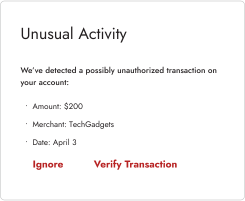
Jost
Proxima Nova
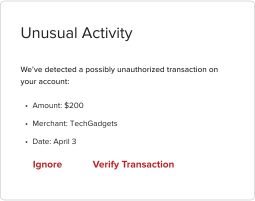
Participants were shown each screen for 10 seconds to review the content, then asked a question to assess their comprehension of the information.

Participants viewed each screen for 10 seconds, then answered a question to assess their comprehension.

answered correctly

answered correctly

80%

95%

RESULT

Based on the test results, no particular font was superior to the others. Therefore, Proxima Nova was chosen to stay aligned with the BOC's brand guidelines.

Based on the test results, no font proved superior, so Proxima Nova was selected to align with BOC’s brand guidelines.

Proxima Nova

Aa

regular 58/69

Aa

regular 46/69

Aa

regular 36/54

Display L,M,S

Aa

light 32/48

Aa

medium 28/42

Aa

medium 24/36

Headline L,M,S

Aa

regular 46/69

Aa

regular 36/54

Aa

semibold 22/33

Title L,M,S

Aa

medium 20/30

Aa

medium 16/24

Aa

medium 14/20

Body L,M,S

Aa

semibold 16/24

Aa

semibold 12/18

Aa

semibold 10/15

Label L,M,S

Components

Create a unified component library for consistent and scalable design across the digital ecosystem.

Create a unified component library for consistent and scalable design across the digital ecosystem.

examples:

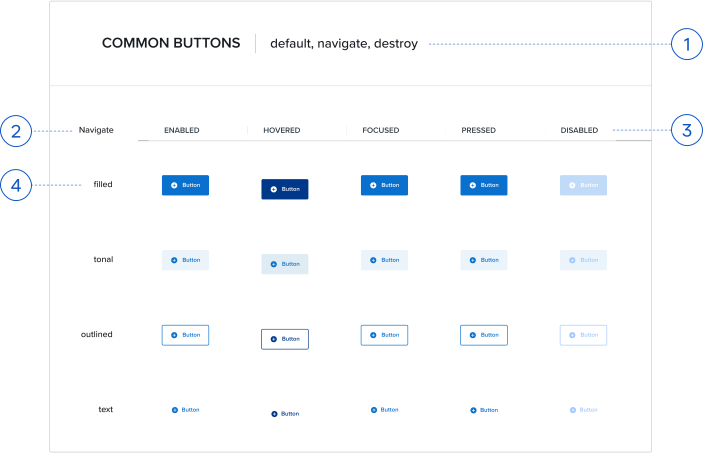
Button

Button

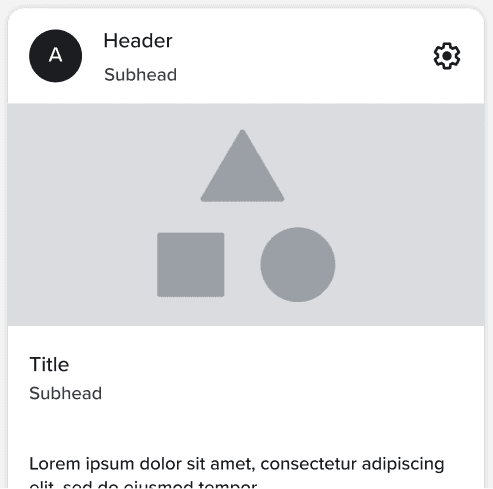
Card

Card

Chip

Chip

Stepper

Tab

Icon button

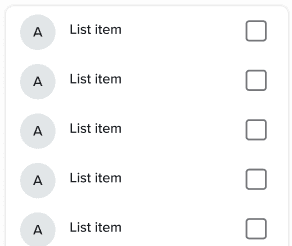
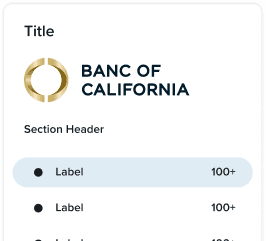
List

List

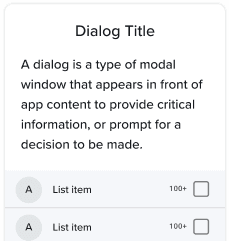
Dialog

Dialog

Navigation drawer

Navigation drawer

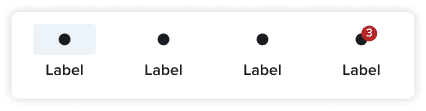
Navigation bar

Navigation bar

Switch

Switch

Search

Search

Snackbar

Snackbar

Progress indicators

Progress indicators

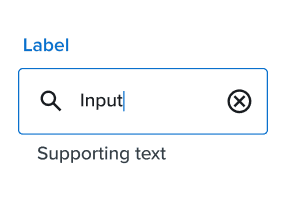
Text field

Text field

Component organization

Define different styles and variants of a single component that will be used in various user case scenarios.

Define different styles and variants of a single component that will be used in various user case scenarios.

1

Type

different types of components for various uses

different types of components for various uses

2

Function

designated for different functions of the component.

3

States

each state reflects how the component behaves and appears based on user interaction.

4

Styles

different styles used to convey various actions and visual hierarchies.

layout

Create responsive layouts that adapt to different screen sizes.

Create responsive layouts that adapt to different screen sizes.

Compact

Body pane w/navigation bar

Single pane layout with a navigation bar

Spacing

4 column grid

Medium

Body pane w/navigation

Single pane layout with a navigation rail

Two pane layout with a navigation bar

Large & Extra large

Navigation
Large - Single pane layout with a navigation rail
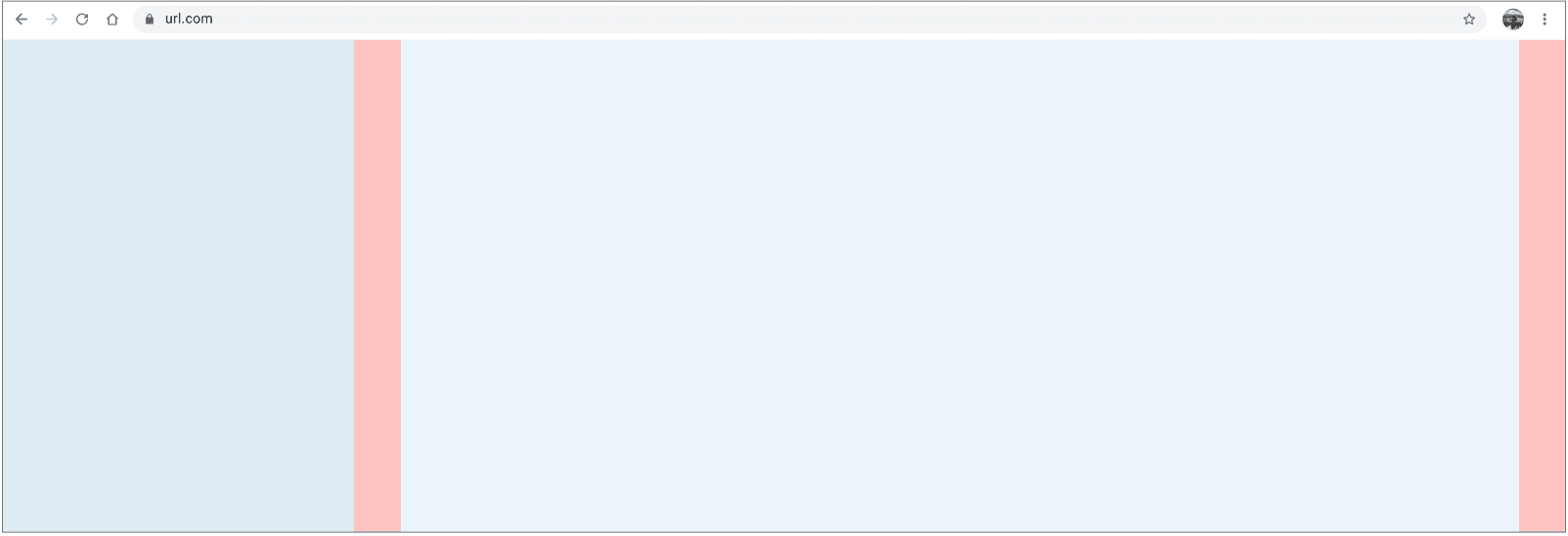
Extra large - Single pane layout with a navigation drawer

Body pane
Single pane
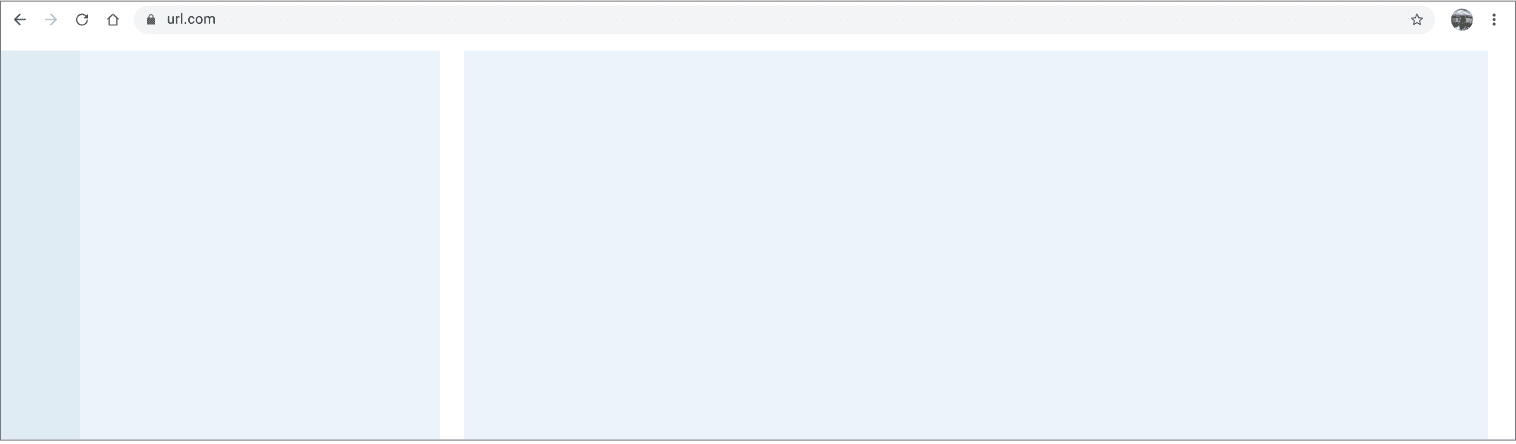
Two pane
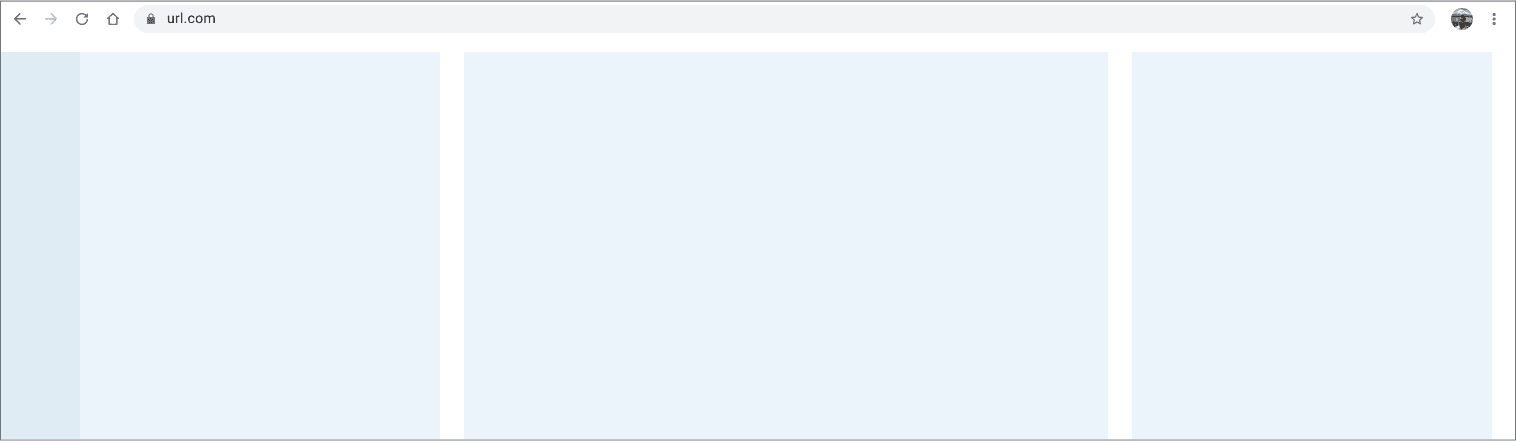
Three pane

design systems organization
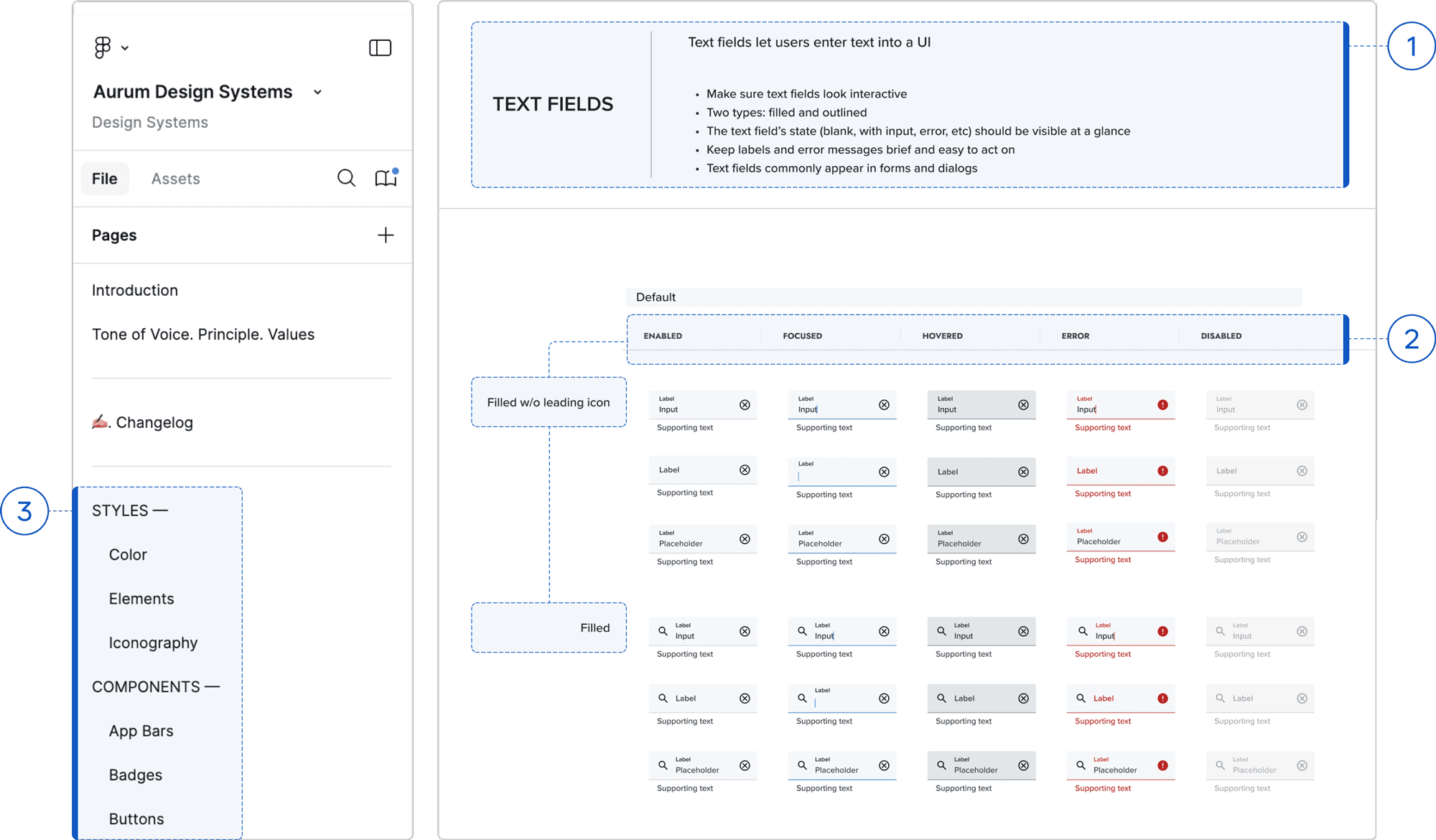
Document guidelines, styles, and variant components in Figma to support scalable, collaborative design and development.

Document guidelines, styles, and variant components in Figma to support scalable, collaborative design and development.

1

Name and Usage

Provided clear guidelines to ensure correct component usage across the digital system.

2

Types and States

Showed each component in various types and states to enhance usability.

3

Styes and Components Organization

Organized styles and components into separate pages for better accessibility and usability.
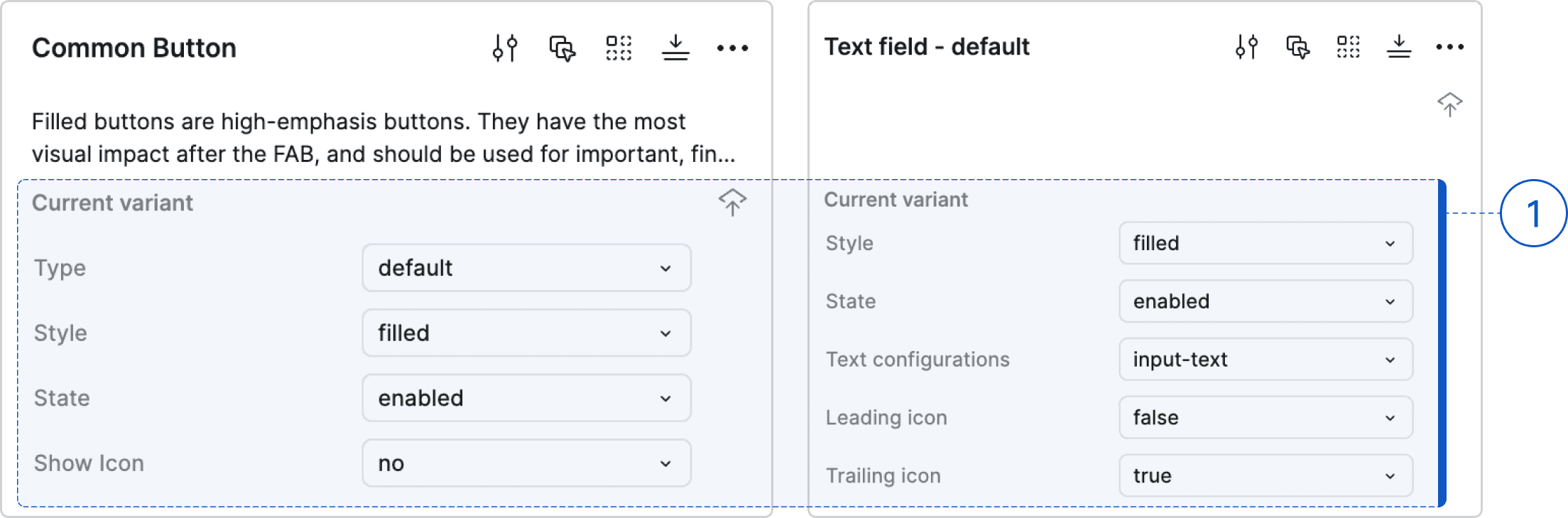
1

Component Structure

Split the main component into multiple properties to enhance usability and flexibility in the prototype.

Implementation

Streamline design and development with a scalable, well-organized design system documented in Figma using clear layouts and variant components.

Streamline design and dev. with a scalable design system documented in Figma using clear layouts and component variants.

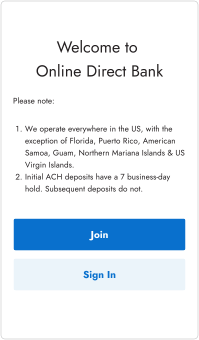
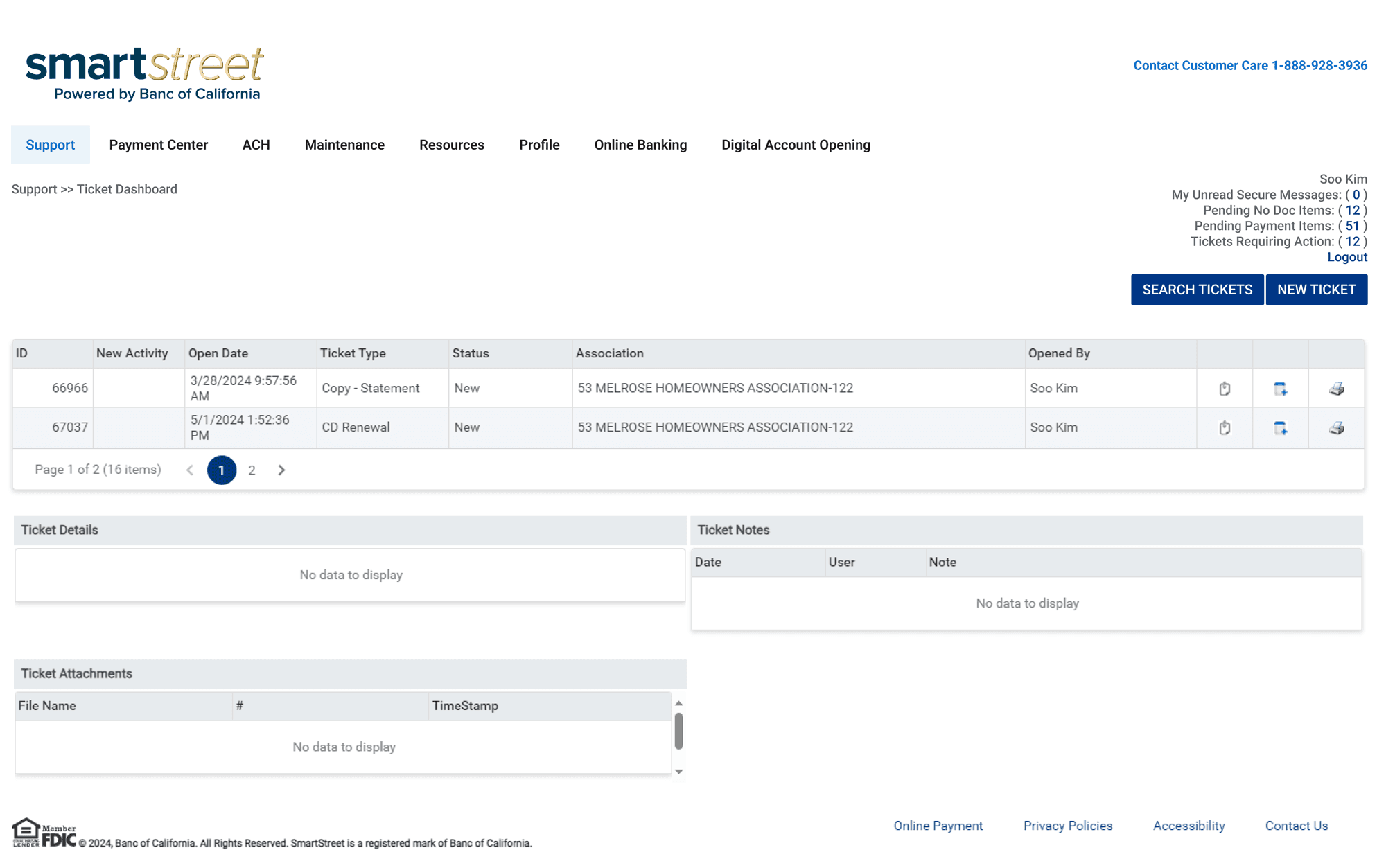
Before

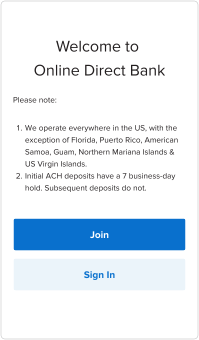
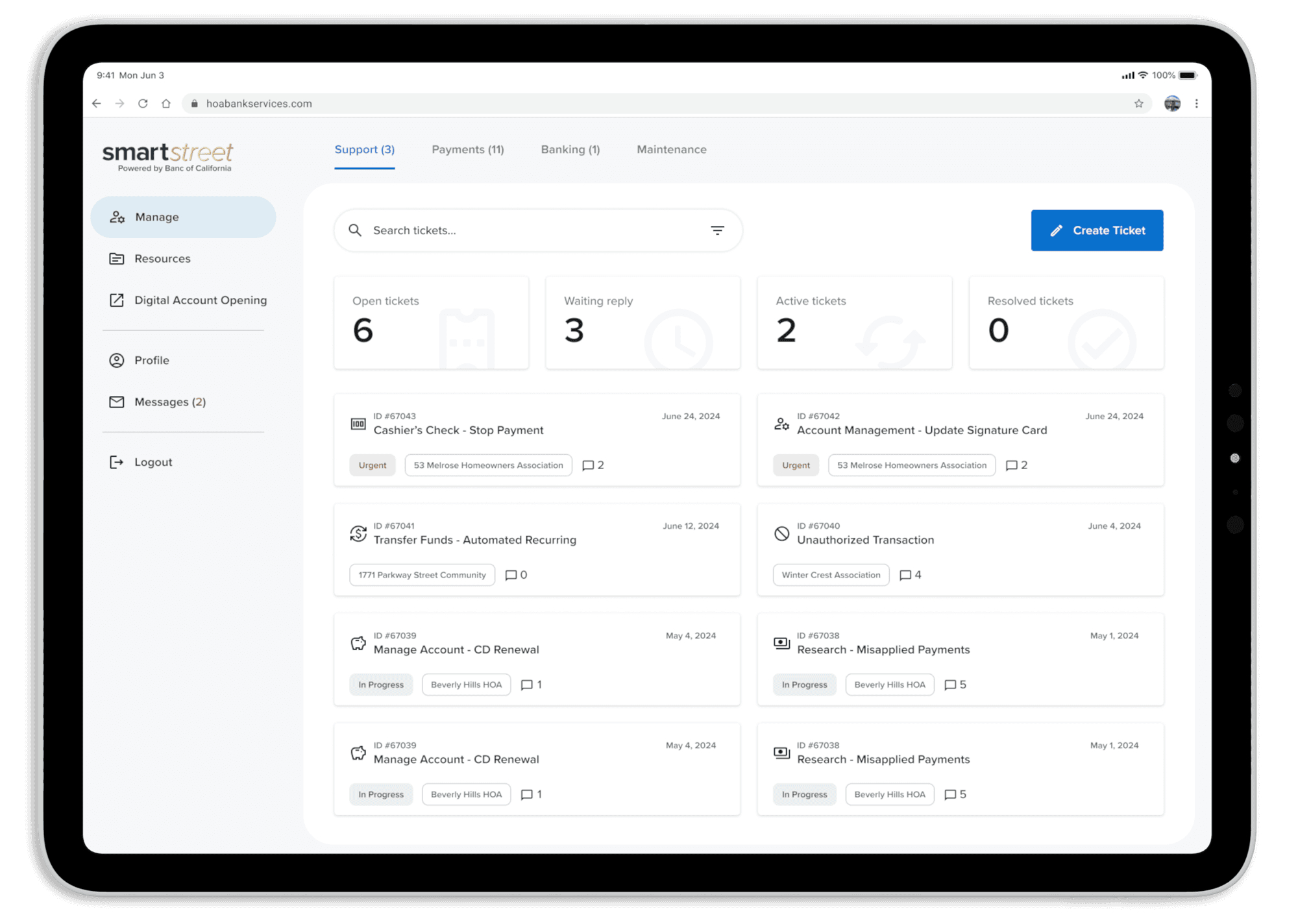
After

Thank you for watching.

Thank you for watching.

Thank you for watching.